Opus 4.6 Support
Anthropic's Opus 4.6 is now available in Ariana. Pick "Opus" in the model dropdown to access the latest and most capable Claude model.

Anthropic's Opus 4.6 is now available in Ariana. Pick "Opus" in the model dropdown to access the latest and most capable Claude model.
Improved the quick launch menu with a selector for recent projects—no need to wait for repositories to load. Added a "Jump to latest" button in the chat so you never get stuck scrolling. Overall performance and stability improvements, with better message streaming frequency.
You can now cancel queued prompts and skip the queue. The agents sidebar is now resizeable. Forking and resuming are more stable, agent messages arrive more fluidly, and we squashed the duplicate message sending bug along with several Ralph Mode fixes.
Manage environments, setup automations, spawn agents, and inspect agents—all from within an agent's session. Great for orchestrator workflows where one "Project Initialization" agent sets up your Ariana and spawns other agents for isolated features and fixes.
A new prompting mode similar to Slop Mode but significantly better at handling long context. Give it a try on your next complex, long-running task.
Forking and resuming now creates a near-complete copy of the agent's disk. Running apps, system settings, Chrome logins & history—everything is preserved. Set up an agent once with your OAuth logins, dev servers, and tools, mark it as a Personal Template, then fork it for every new task with the full environment ready to go.
Define scripts that run based on what your agent does. Set up your environment once with an "On Agent Ready" automation, then get rid of the human in the loop. Every other tool gives agents a sandbox—we give them a full Linux computer with sudo, Docker, and their own IP.
Access your agent's desktop environment remotely. Once the agent has finished working, open a remote desktop to test UI changes directly. Multiple agents coding for you means multiple remote desktops to test in.
Install Ariana on any SSH-accessible machine you own—a Linux box, a rented GPU, a cloud Mac Mini—and launch agents on it from Ariana's UI. Manage deployments on your production VPS or ML runs on your own GPU, even from your phone.
One-click SSH connection to open your agent's workspace in VSCode, Cursor, Windsurf, or Zed. Setup instructions included for JetBrains IDEs. Work in your favorite editor with full remote development capabilities.
Anthropic's Opus 4.5 is now available in Ariana. Just pick "Opus" in the model dropdown at the bottom of the prompt area. Expect higher performance and higher limits on Anthropic's end. Pairs especially well with Slop Mode for long-running tasks.
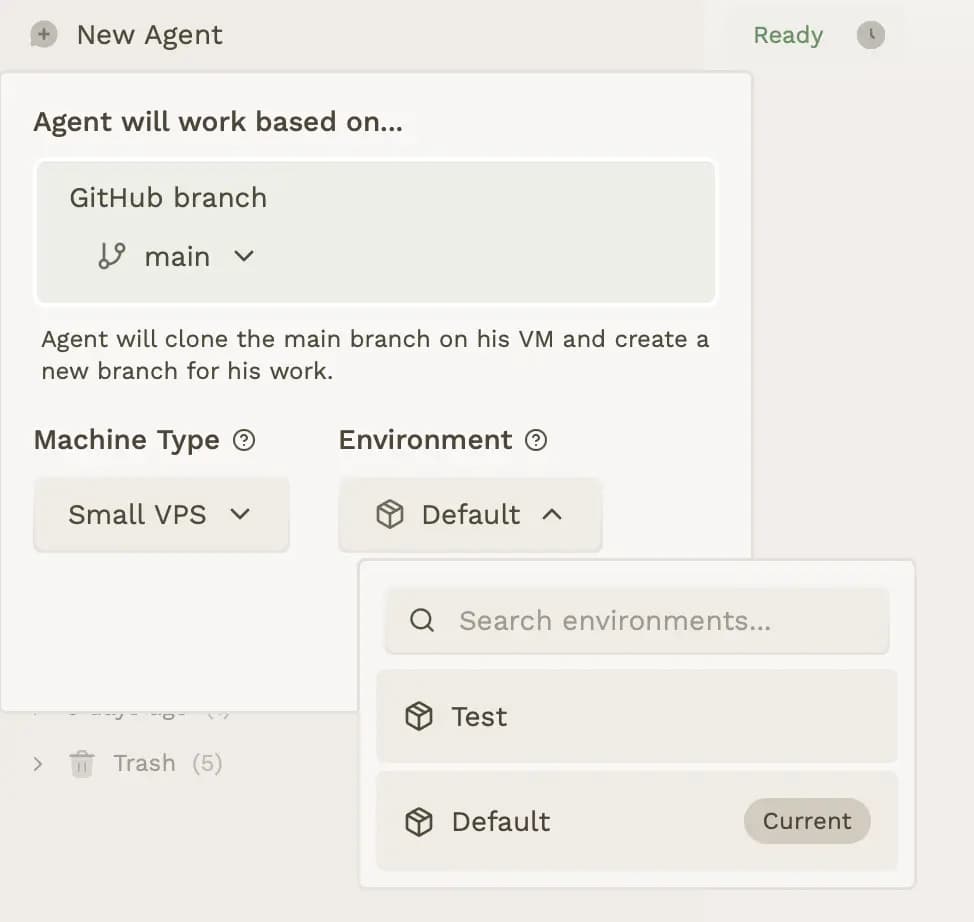
Define environment variables and configuration/secret files that will be given to the agent to run your app correctly. You can set up a database connection, or provide data for your test OAuth client ID. Choose the environment you want every time you launch a new agent.
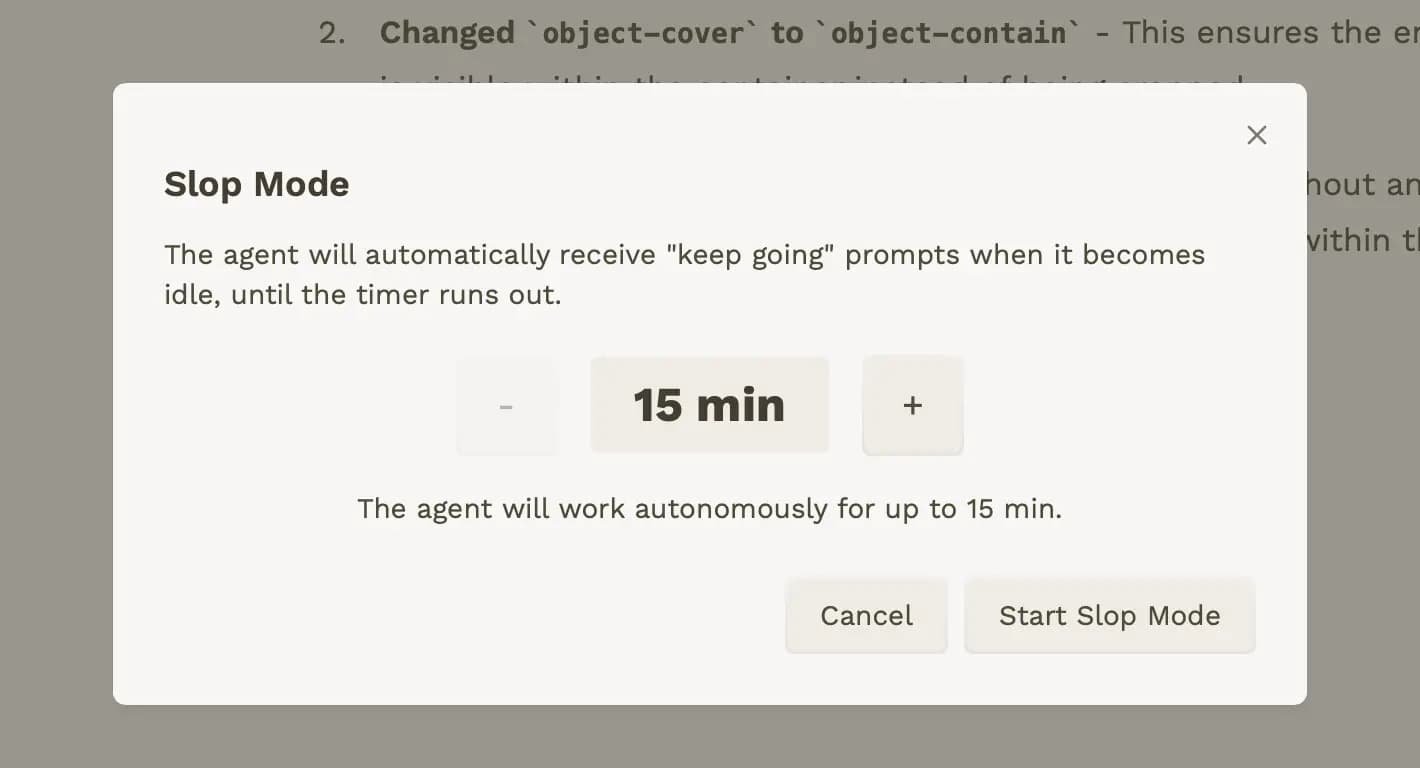
Force Claude Code to work for several hours on your prompt with a follow-up agent that constantly pushes it to improve its work. When the agent stops working, we automatically send a hard-coded prompt that keeps it going—not in a stupid way.
Added multiline code block support (``` syntax) to the specification editor.
We added a changelog page to keep you informed about updates and changes to Ariana.